
Checkout · Buyer guide
Safe Online Checkout: What to Check Before Paying
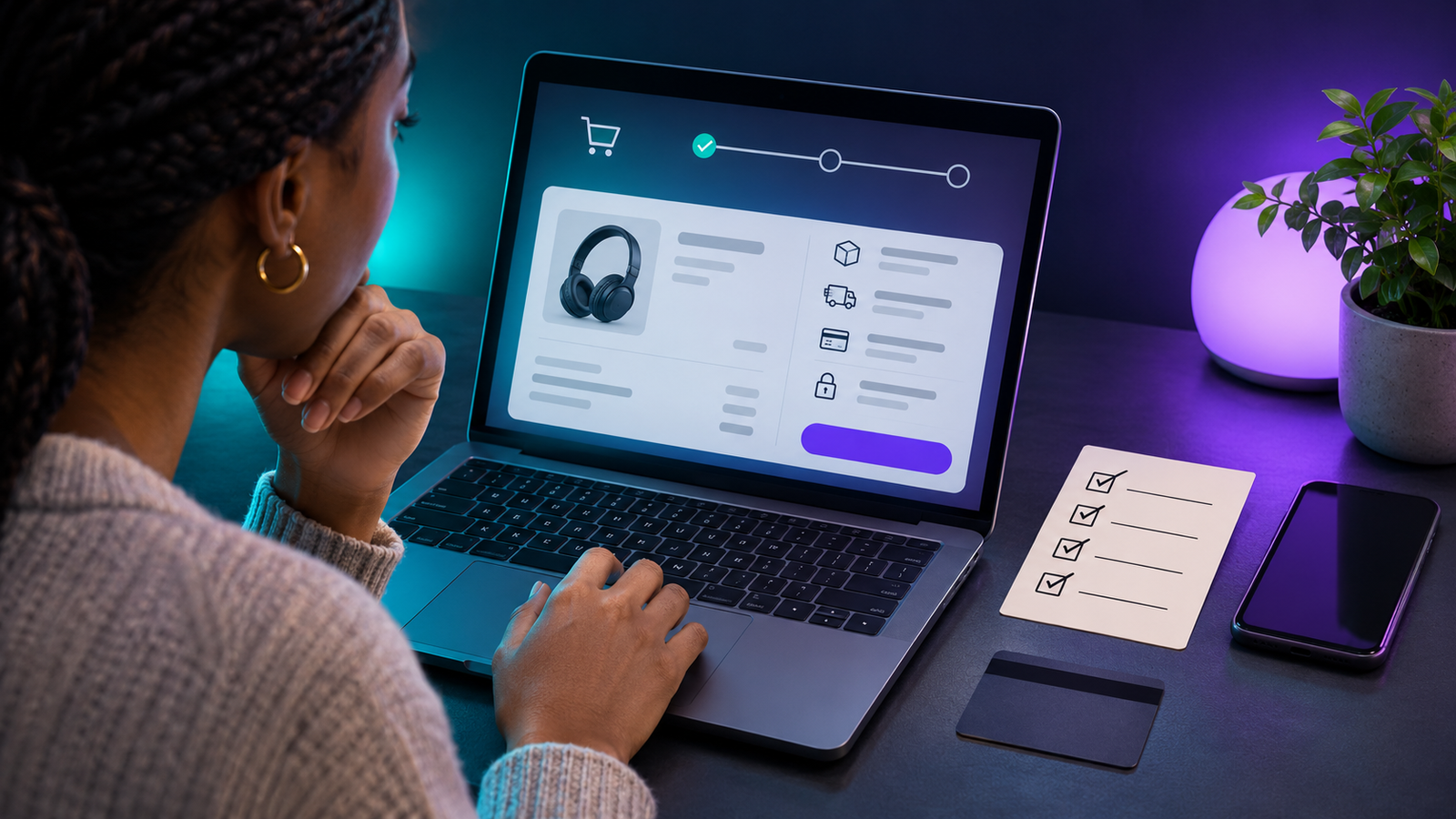
safe online checkout - A safe online checkout begins with a short review before payment. Confirm where you are, what you selected, how much will be charged, and where the confirmation will be delivered. This process catches spelling errors and mismatched plan details without requiring any technical knowledge.
Confirm the domain and secure connection
Begin on originetvs.com and check the full address before entering personal details. When checkout transfers to a payment provider, review the destination and order summary again. Do not use payment links copied from public comments or sent by an unverified account.
Read the total and access period together
Compare the plan name, duration, currency, and amount due today. A monthly equivalent is useful for comparison, but it is not necessarily the amount charged at checkout. Read any renewal or expiration information displayed with the order.
Check the delivery email carefully
Enter an address you can access and inspect every character before submitting. Order confirmation and setup information depend on that address. Also check spam or promotions folders, but never send your email password to someone offering to locate a message.
Keep a useful proof of purchase
Save the invoice or order reference, plan name, amount, and transaction date. A screenshot is helpful when it excludes full payment credentials. If the amount changes unexpectedly or the page looks different from the verified flow, stop and contact support from the official website.
What to do next
Apply one change at a time and test it on the screen you use most. For account-specific questions, use only the contact routes published on originetvs.com and keep passwords, payment security codes, and one-time codes private.
safe online checkout action checklist
Verify the domain, plan, total, contact email, and payment handoff before placing an online order.
Begin with the screen you will actually use, verify the current plan details, and keep your order information organized. One careful test is more useful than changing several settings at once.
Review the current options on Origine TV plans. If a device or billing detail remains unclear, use the verified WhatsApp contact or the support page and include the exact model or order reference.
- Record the exact device model and connection type.
- Confirm the plan period and final price before checkout.
- Use one verified support thread for clear follow-up.
Common questions about safe online checkout
What should I save after checkout?
Keep the order reference, plan, amount, date, and confirmation email. Do not store full card details in an unprotected note.
What should I do if the displayed price changes?
Do not continue. Return to the official plan page and ask verified support to explain the difference.