
Support · Troubleshooting
How to Write a Streaming Support Request That Helps
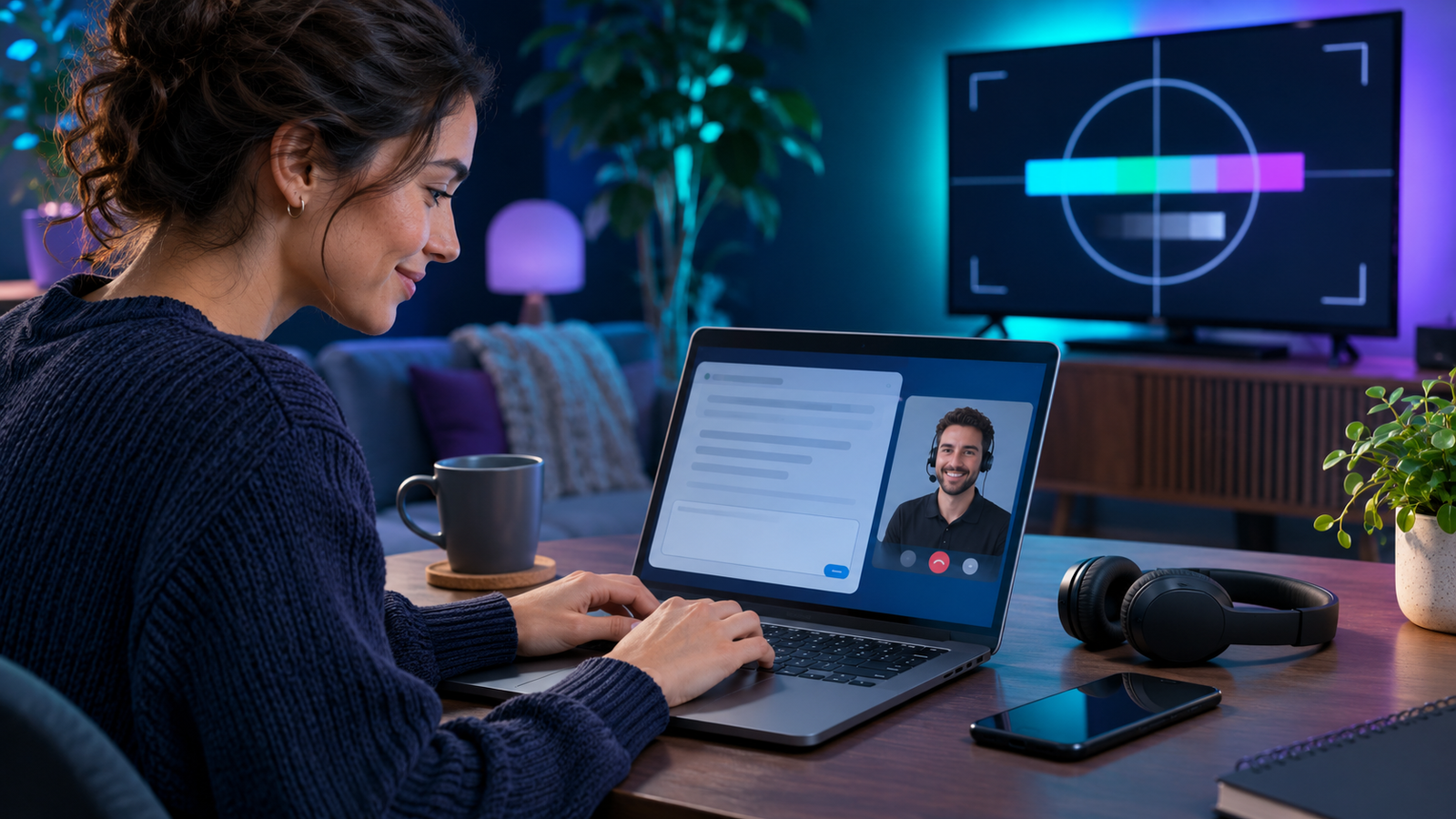
streaming support request - A useful streaming support request explains what happened, where it happened, and what you already tested. Specific details reduce repeated questions and help the team separate an account issue from a device, network, player, or single-source problem. You can provide that context without sharing sensitive payment information.
Describe the scope of the problem
State whether the issue affects one title or channel, all live content, on-demand content, or the whole player. Copy any error message exactly and explain what appears after you select the item. Avoid sending only “not working,” because that leaves several unrelated causes open.
Identify the environment
Include the device brand and complete model, operating-system version, player name, and whether the connection uses Wi-Fi or Ethernet. Add the approximate local time and time zone. If another device works on the same network, mention that comparison.
List tests in the order performed
Say whether you reopened the player, restarted the device, tested another item, or compared another connection. Do not factory-reset the device unless instructed, because that removes useful configuration and creates extra setup work. Change one variable at a time.
Share identifiers safely
An order reference can help support find the correct account. Never send a card PIN, card security code, banking password, email password, or one-time verification code. Redact credentials and personal notifications from screenshots or screen recordings before attaching them.
What to do next
Apply one change at a time and test it on the screen you use most. For account-specific questions, use only the contact routes published on originetvs.com and keep passwords, payment security codes, and one-time codes private.
streaming support request action checklist
Send the device, timing, connection, scope, and safe troubleshooting details support needs in the first message.
Begin with the screen you will actually use, verify the current plan details, and keep your order information organized. One careful test is more useful than changing several settings at once.
Review the current options on Origine TV plans. If a device or billing detail remains unclear, use the verified WhatsApp contact or the support page and include the exact model or order reference.
- Record the exact device model and connection type.
- Confirm the plan period and final price before checkout.
- Use one verified support thread for clear follow-up.
Common questions about streaming support request
What is the minimum useful information?
Send the order reference, exact device, player, connection type, time, affected content, and the result of one basic test.
Where should I contact Origine TV?
Use the email address, WhatsApp link, or contact form published on originetvs.com.