
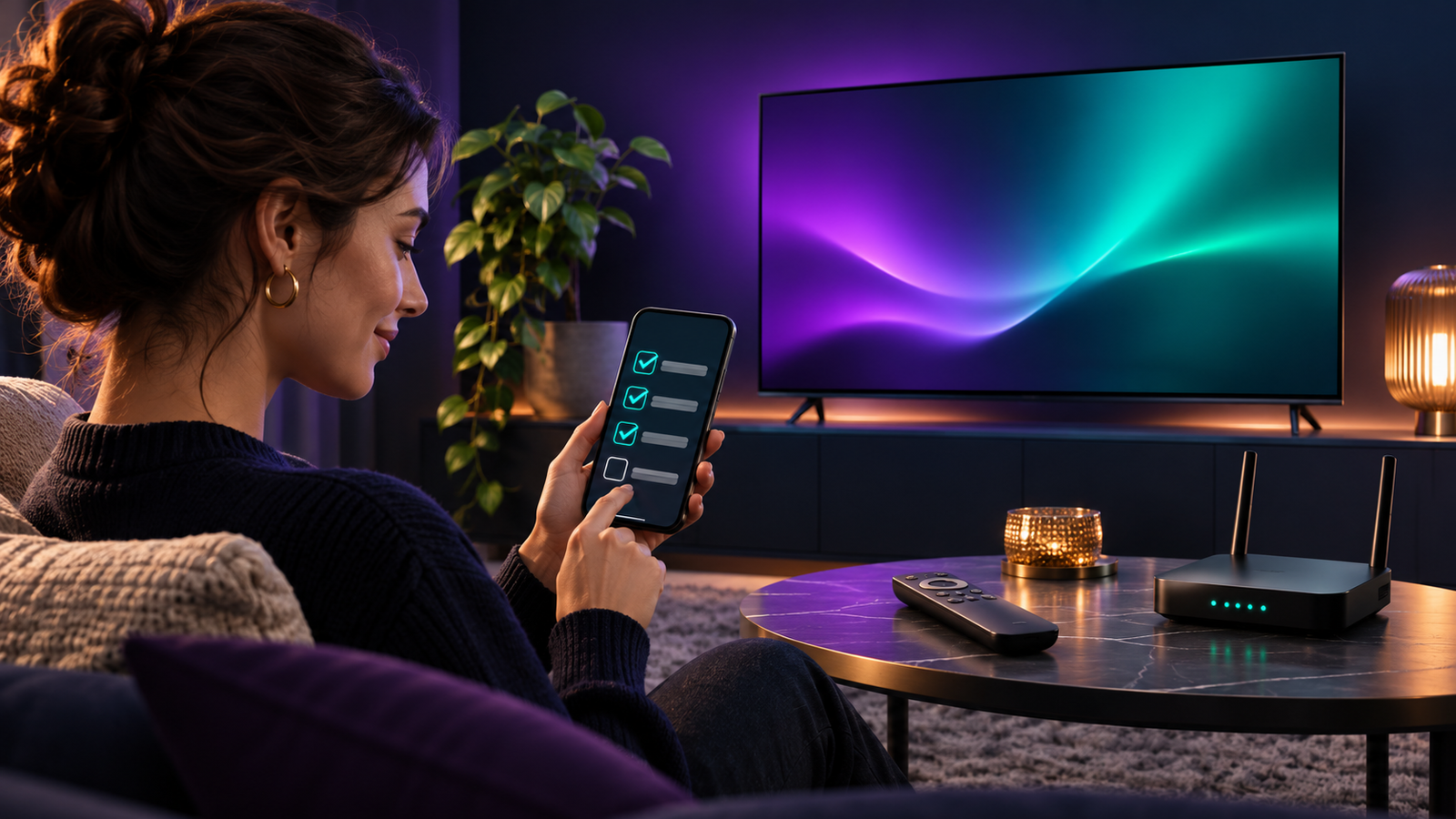
First Screen Setup Checklist for Smooth Streaming
Prepare your television, connection, email, and player in the right order before activating Origine TV.
Origine TV learning hub
Find clear answers for every stage - from selecting access and preparing your main screen to improving stability and getting verified support.

Origine TV blog topic
Prepare one screen carefully before adding more devices.
Prepare your television, connection, email, and player in the right order before activating Origine TV.
Origine TV blog topic
Compare televisions, sticks, boxes, phones, and everyday setup choices.
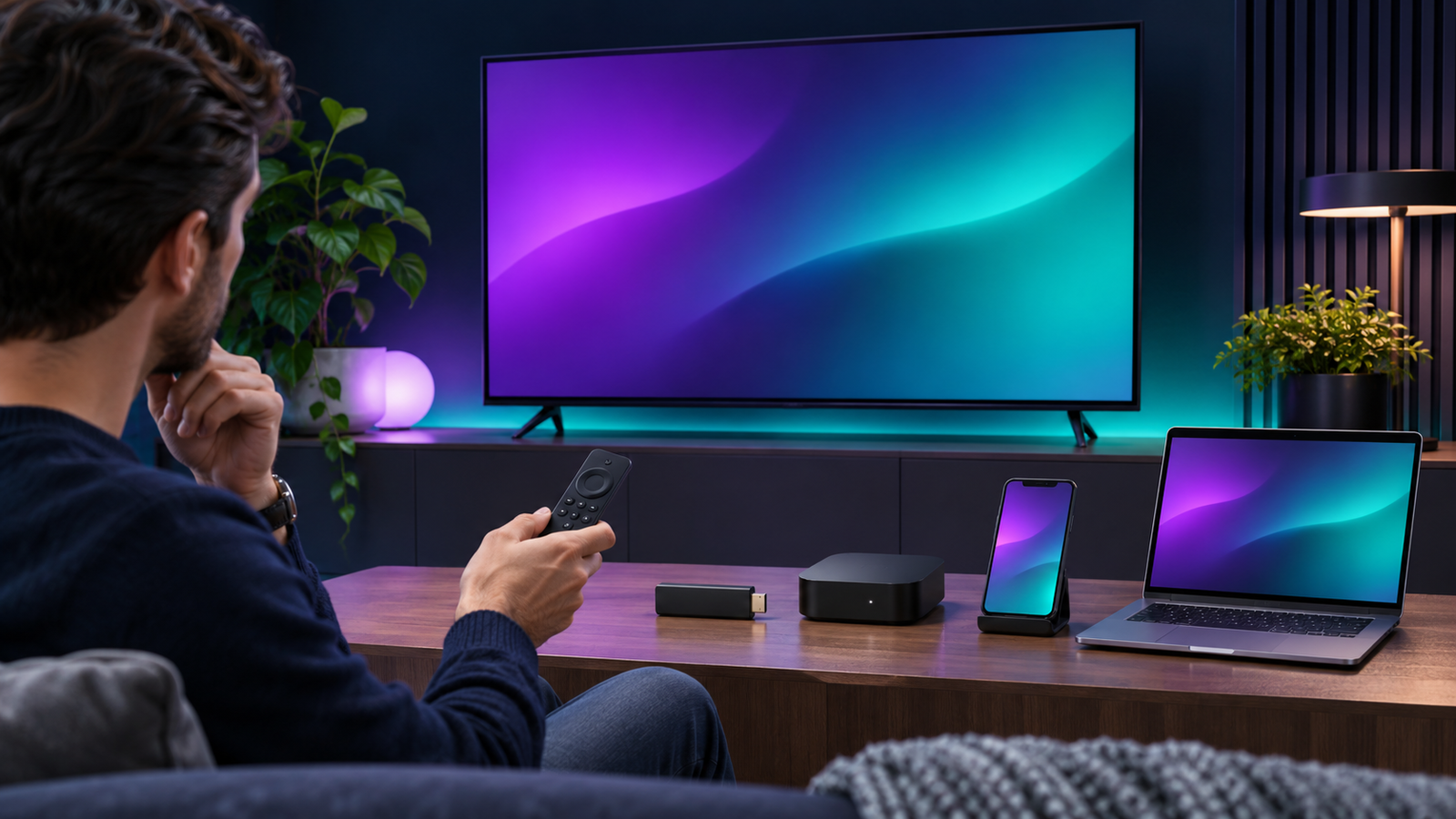
Compare Smart TVs, streaming sticks, media boxes, phones, and computers using practical everyday criteria.
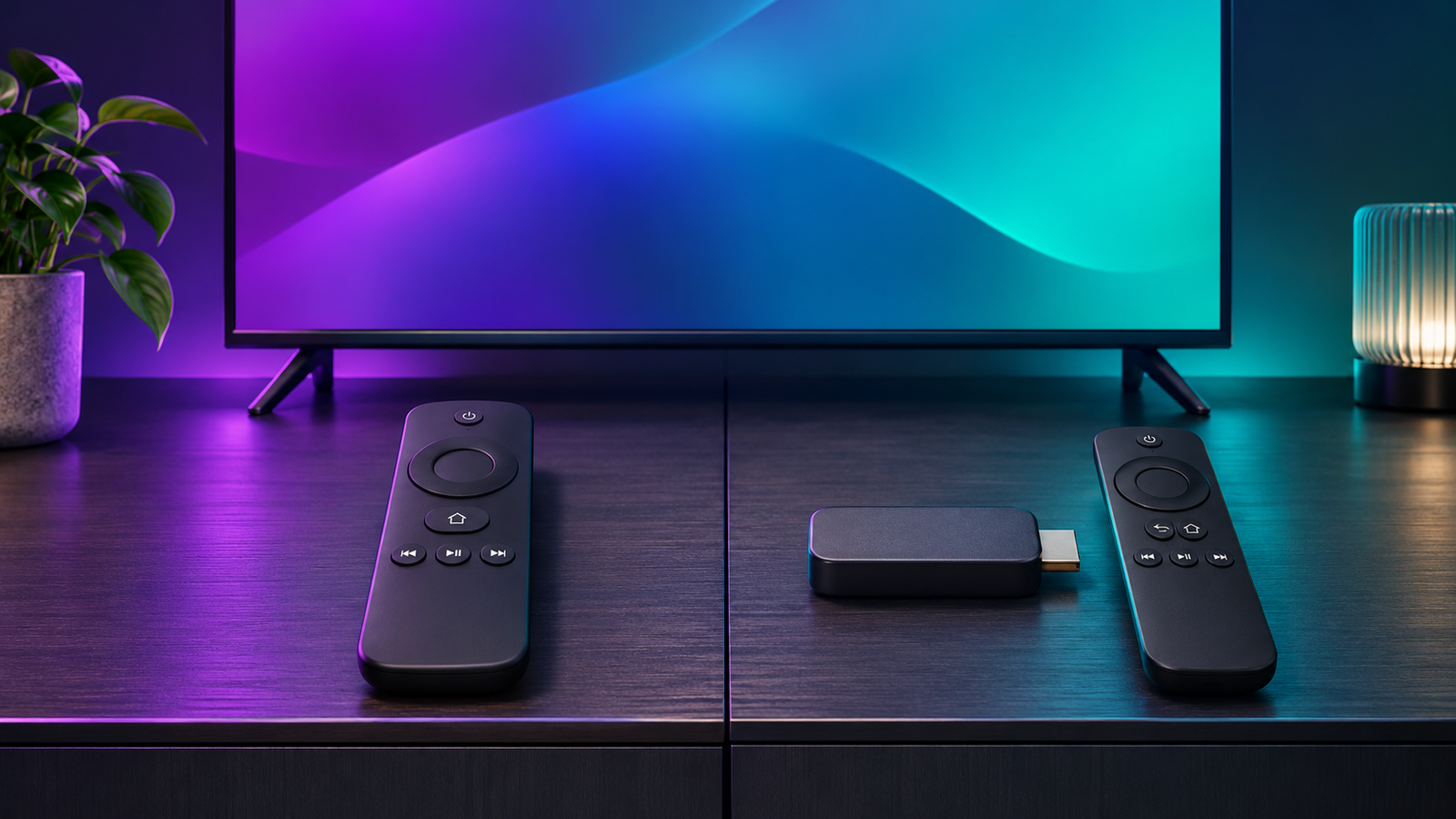
Compare built-in television apps with a dedicated streaming stick by speed, support, Wi-Fi, and convenience.
Origine TV blog topic
Diagnose room-by-room Wi-Fi and choose a stable picture setting.
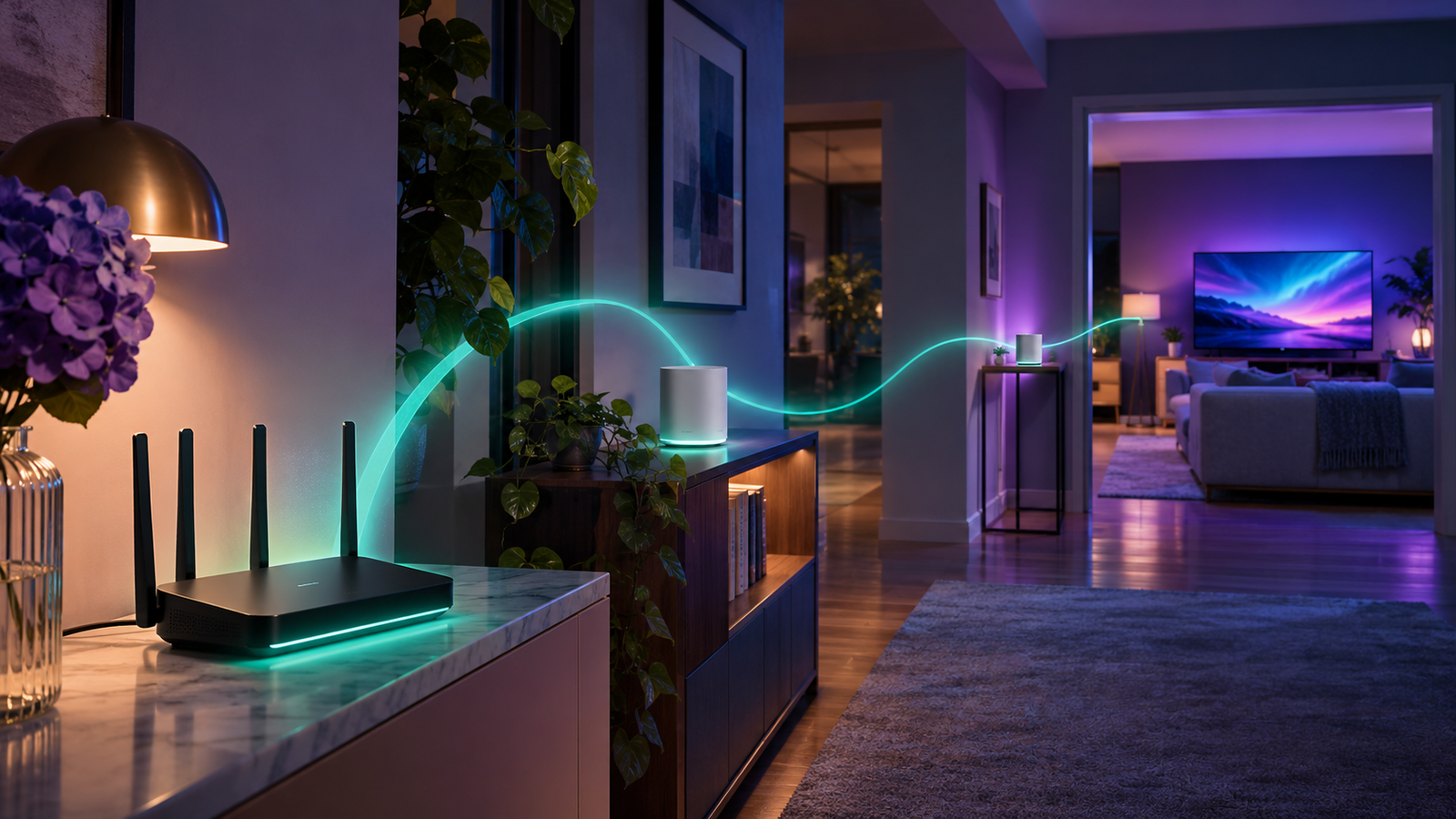
Measure the connection at each screen, fix weak coverage, and reduce the household traffic that causes interruptions.

Understand resolution, frame rate, compression, and bandwidth so you can choose a stable picture setting.
Origine TV blog topic
Verify the official domain, secure account details, and review checkout.

Protect account details, recognize impersonation attempts, and use only verified Origine TV contact routes.
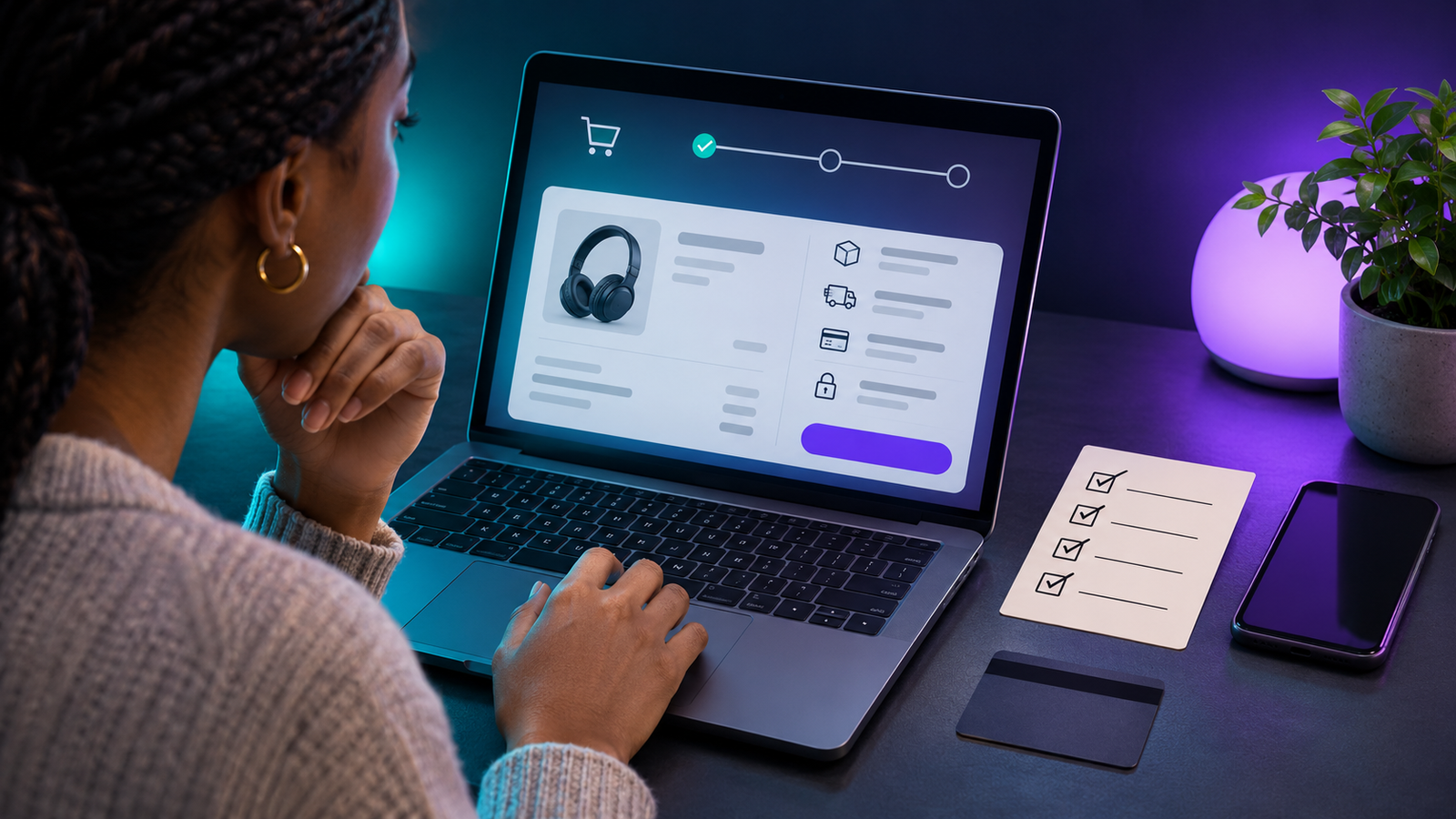
Verify the domain, plan, total, contact email, and payment handoff before placing an online order.
Origine TV blog topic
Prepare for live events and organize a simpler family setup.

Use a practical pre-event routine for the player, network, picture, audio, and backup support information.

Organize the main screen, favorites, account ownership, and household viewing rules without extra complexity.
Origine TV blog topic
Balance total cost, flexibility, device readiness, and viewing habits.

Compare total price, duration, device readiness, and viewing habits before choosing a subscription term.
Origine TV blog topic
Send complete troubleshooting context without exposing private information.

Send the device, timing, connection, scope, and safe troubleshooting details support needs in the first message.