
Devices · Comparison
How to Choose the Best Device for TV Streaming
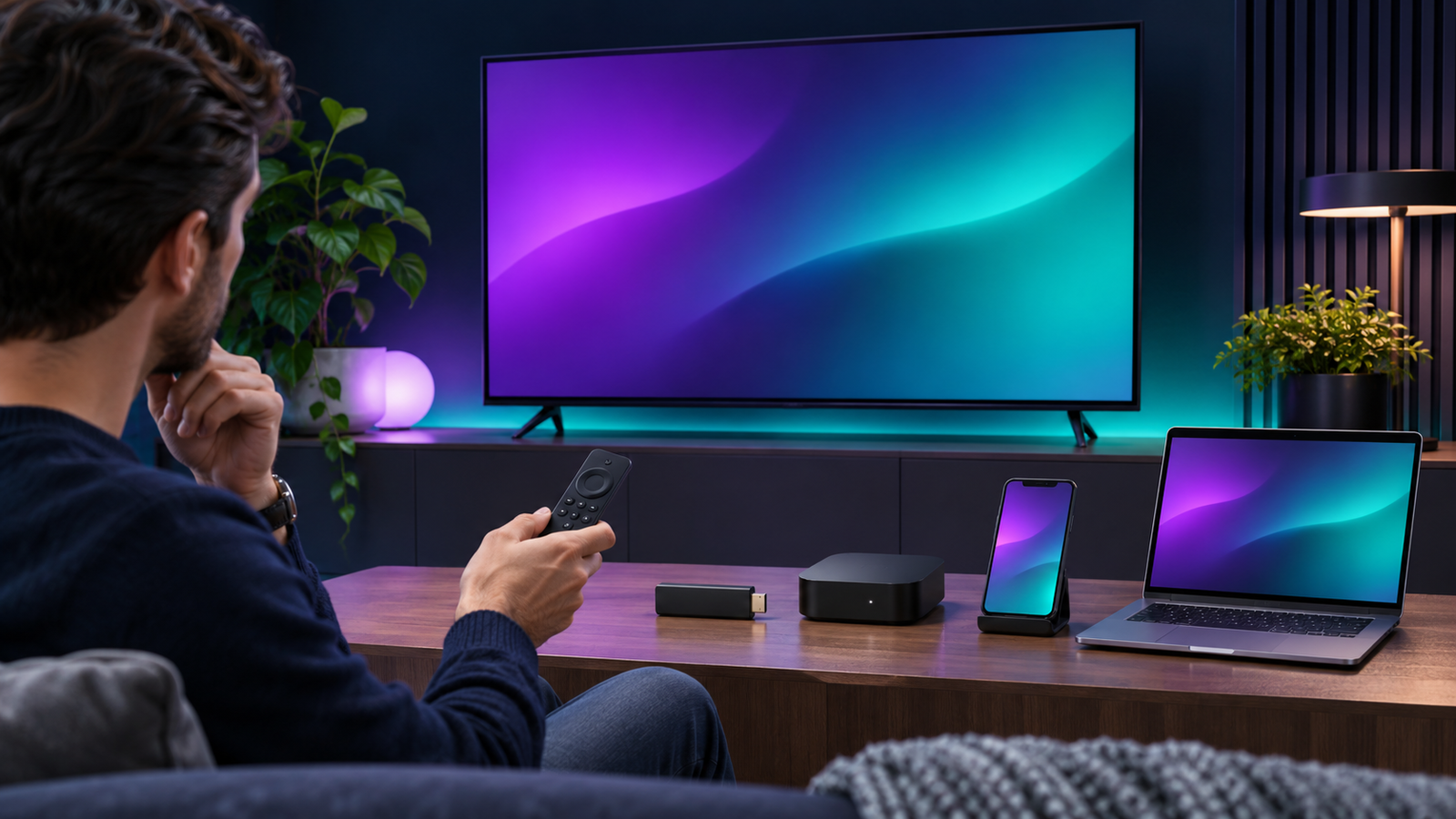
best device for TV streaming - The best device for TV streaming is not automatically the newest or most expensive option. App availability, menu speed, network position, remote control, and software support have a bigger effect on daily use. Start with equipment you already own, then upgrade only when you can identify a real limitation.
Start with app support and updates
Check whether the device has an active app store and still receives security and system updates. A recent television may provide the cleanest one-remote setup. An older television can still have an excellent panel but slow software, in which case a separate streaming device may be the more economical upgrade.
Match the device to the room
A main living-room screen benefits from a comfortable remote, quick navigation, and Ethernet when available. A portable stick works well in a bedroom or while traveling, provided the local network is dependable. Phones and computers are useful for testing, but their controls and screen size may not represent normal family viewing.
Check storage, power, and network options
Low free storage can make apps update slowly or close unexpectedly. Use the supplied power adapter for an external stick or box rather than an underpowered television USB port. If Wi-Fi is weak behind the screen, consider an HDMI extension, a better access-point position, or a device with Ethernet support.
Use a simple decision rule
Keep the built-in television platform when the needed player is available, menus respond quickly, and playback is stable. Add a stick when app support or speed is the main problem. Choose a media box when you want Ethernet, more storage, and a fixed setup for frequent use.
What to do next
Apply one change at a time and test it on the screen you use most. For account-specific questions, use only the contact routes published on originetvs.com and keep passwords, payment security codes, and one-time codes private.
best device for TV streaming action checklist
Compare Smart TVs, streaming sticks, media boxes, phones, and computers using practical everyday criteria.
Begin with the screen you will actually use, verify the current plan details, and keep your order information organized. One careful test is more useful than changing several settings at once.
Review the current options on Origine TV plans. If a device or billing detail remains unclear, use the verified WhatsApp contact or the support page and include the exact model or order reference.
- Record the exact device model and connection type.
- Confirm the plan period and final price before checkout.
- Use one verified support thread for clear follow-up.
Common questions about best device for TV streaming
Do I need a 4K device for a 4K television?
A 4K-capable device is needed for 4K output, but source quality, display settings, and connection stability also affect the result.
Can I ask Origine TV about a specific model?
Yes. Send the complete model number and country app-store region through the official contact page.