
Smart TV · Comparison
Smart TV vs Streaming Stick: Which Should You Use?
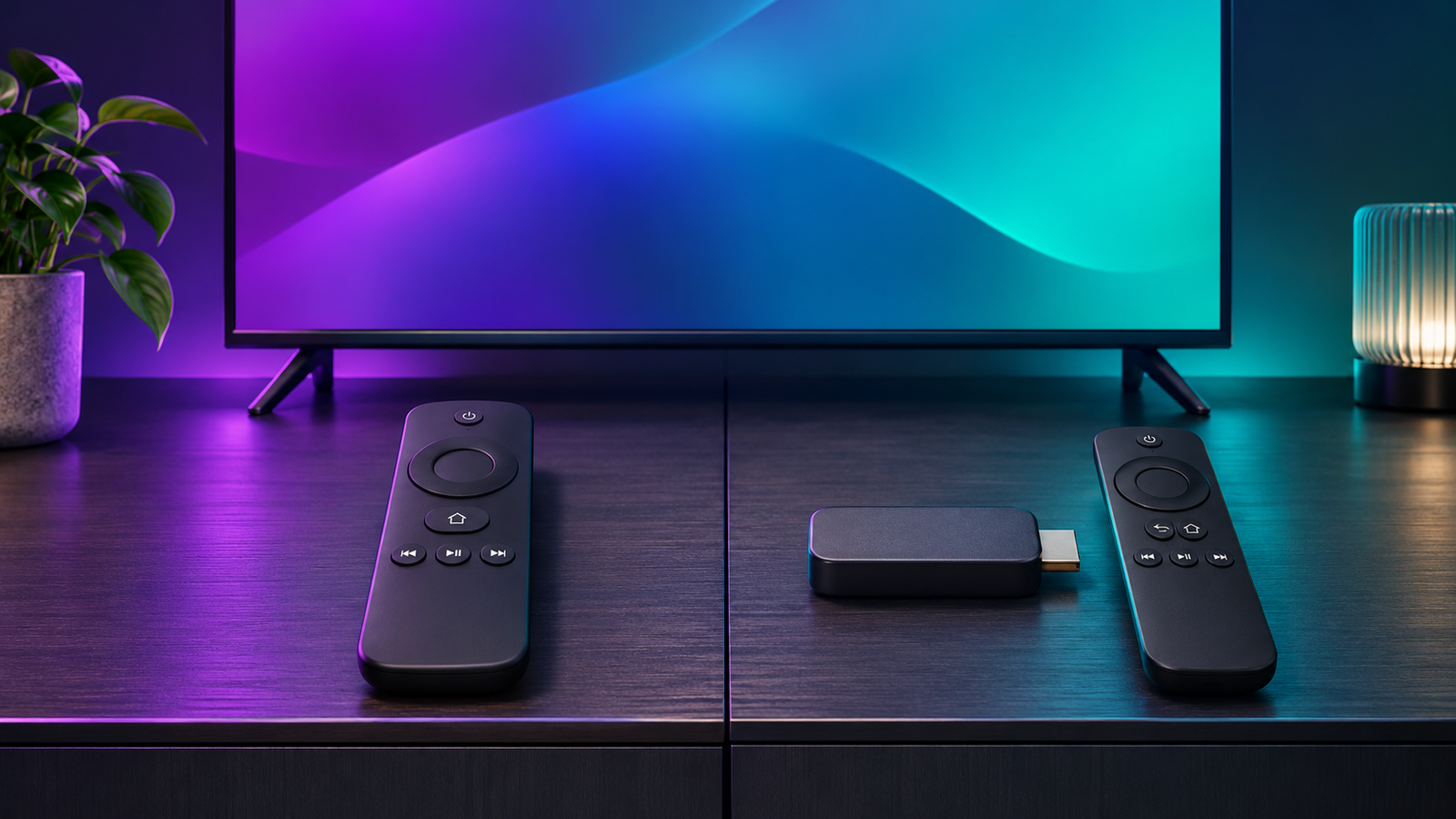
Smart TV vs streaming stick - The Smart TV vs streaming stick decision usually comes down to software rather than picture quality. A responsive television with the needed app offers a clean one-remote setup. A dedicated stick can extend the useful life of an older screen by adding newer software, more frequent updates, and faster navigation.
Keep the Smart TV when it works well
Use the built-in platform when the player is available in the official app store, menus respond quickly, and the television still receives updates. This approach uses fewer cables and remotes. Leave enough free storage for updates and restart the television occasionally.
Add a stick when software is limiting
A stick is useful when the television app store lacks the needed player, menus have become slow, or built-in software is no longer supported. It upgrades the interface without replacing a good display and can move between compatible screens when needed.
Plan power, heat, and signal
Use the manufacturer power adapter because some television USB ports cannot provide stable power. Keep the stick ventilated and consider an HDMI extension if it is tightly enclosed behind the screen. That position can also weaken Wi-Fi, so test the signal after installation.
Do not expect a device to fix every issue
A new stick may improve app speed but cannot improve a weak broadband connection or the quality of the original source. Compare playback on the old and new device using the same screen, network, and content before deciding whether the upgrade solved the problem.
What to do next
Apply one change at a time and test it on the screen you use most. For account-specific questions, use only the contact routes published on originetvs.com and keep passwords, payment security codes, and one-time codes private.
Smart TV vs streaming stick action checklist
Compare built-in television apps with a dedicated streaming stick by speed, support, Wi-Fi, and convenience.
Begin with the screen you will actually use, verify the current plan details, and keep your order information organized. One careful test is more useful than changing several settings at once.
Review the current options on Origine TV plans. If a device or billing detail remains unclear, use the verified WhatsApp contact or the support page and include the exact model or order reference.
- Record the exact device model and connection type.
- Confirm the plan period and final price before checkout.
- Use one verified support thread for clear follow-up.
Common questions about Smart TV vs streaming stick
Will a streaming stick improve picture quality?
It may support newer formats or perform more smoothly, but the source, connection, television panel, and settings still determine picture quality.
Can a stick use Ethernet?
Some models support Ethernet through an official or compatible adapter. Check the exact device specifications before buying.