
Wi-Fi · Troubleshooting
How to Improve Wi-Fi for Streaming in Every Room
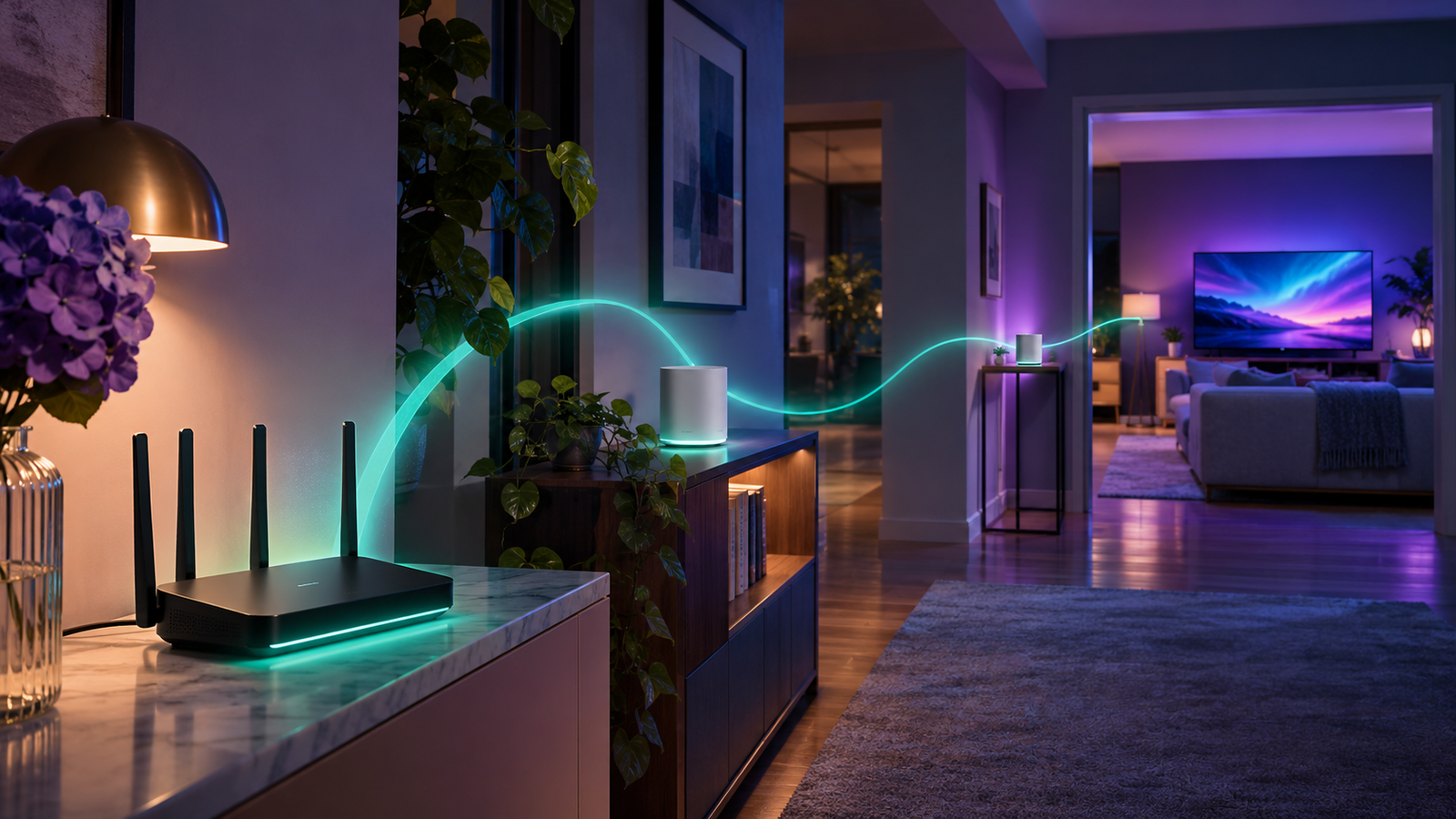
improve WiFi for streaming - To improve Wi-Fi for streaming, measure the signal at the screen instead of relying on the speed printed on your broadband plan. Walls, distance, interference, and competing devices change the connection from room to room. A repeatable test will tell you whether the problem is coverage, congestion, or the viewing device itself.
Build a room-by-room baseline
Test beside each screen at quiet and busy times. Record download speed, latency if shown, connection band, and whether results fluctuate. Then play the same type of content for ten minutes. Consistency matters more than one unusually high speed-test number.
Improve router and mesh placement
Place network equipment in the open, above floor level, and away from metal cabinets, microwaves, and thick structural walls. A mesh point needs a strong connection back to the main router; placing it inside the dead zone simply repeats a weak signal. Use a wired backhaul where the home layout permits it.
Choose Ethernet when practical
A wired connection removes most local radio interference and is especially helpful for a fixed main screen. If the device has no Ethernet port, a compatible adapter may be available. Avoid routing cables where they create a trip hazard, and do not assume powerline adapters will perform equally in every electrical circuit.
Reduce congestion before lowering quality
Pause large downloads, cloud backups, game updates, and high-resolution video on unused screens. Restarting the router may provide temporary relief, but recurring evening problems usually need better coverage or traffic management. Change one factor, repeat the same playback test, and keep notes.
What to do next
Apply one change at a time and test it on the screen you use most. For account-specific questions, use only the contact routes published on originetvs.com and keep passwords, payment security codes, and one-time codes private.
improve WiFi for streaming action checklist
Measure the connection at each screen, fix weak coverage, and reduce the household traffic that causes interruptions.
Begin with the screen you will actually use, verify the current plan details, and keep your order information organized. One careful test is more useful than changing several settings at once.
Review the current options on Origine TV plans. If a device or billing detail remains unclear, use the verified WhatsApp contact or the support page and include the exact model or order reference.
- Record the exact device model and connection type.
- Confirm the plan period and final price before checkout.
- Use one verified support thread for clear follow-up.
Common questions about improve WiFi for streaming
Is 5 GHz always better than 2.4 GHz?
5 GHz can be faster at short range, while 2.4 GHz usually reaches farther through walls. Test both where the screen is located.
Will a Wi-Fi extender always stop buffering?
No. An extender must receive a good source signal. A correctly placed mesh point, wired access point, or Ethernet connection is often more predictable.